by Zeebora

Print Bridge

Silent direct printing for any cloud POS

Browsers can’t print like a local till — every sale needs a print preview and a manual click. Print Bridge sits on the till PC and prints receipts, kitchen tickets, and cash drawer kicks in the background, the way a local POS does.

Pay once. No monthly fee.

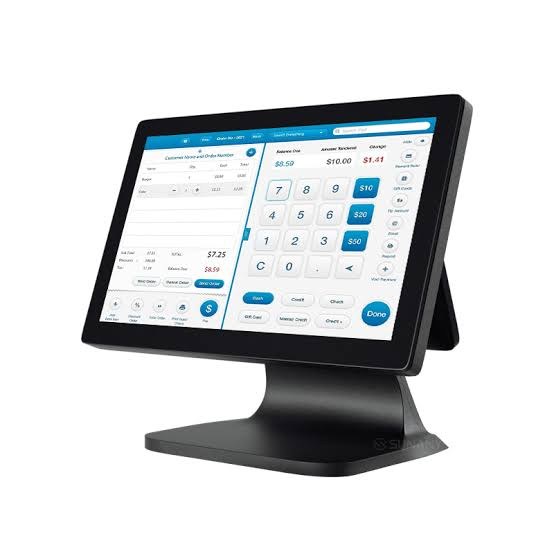
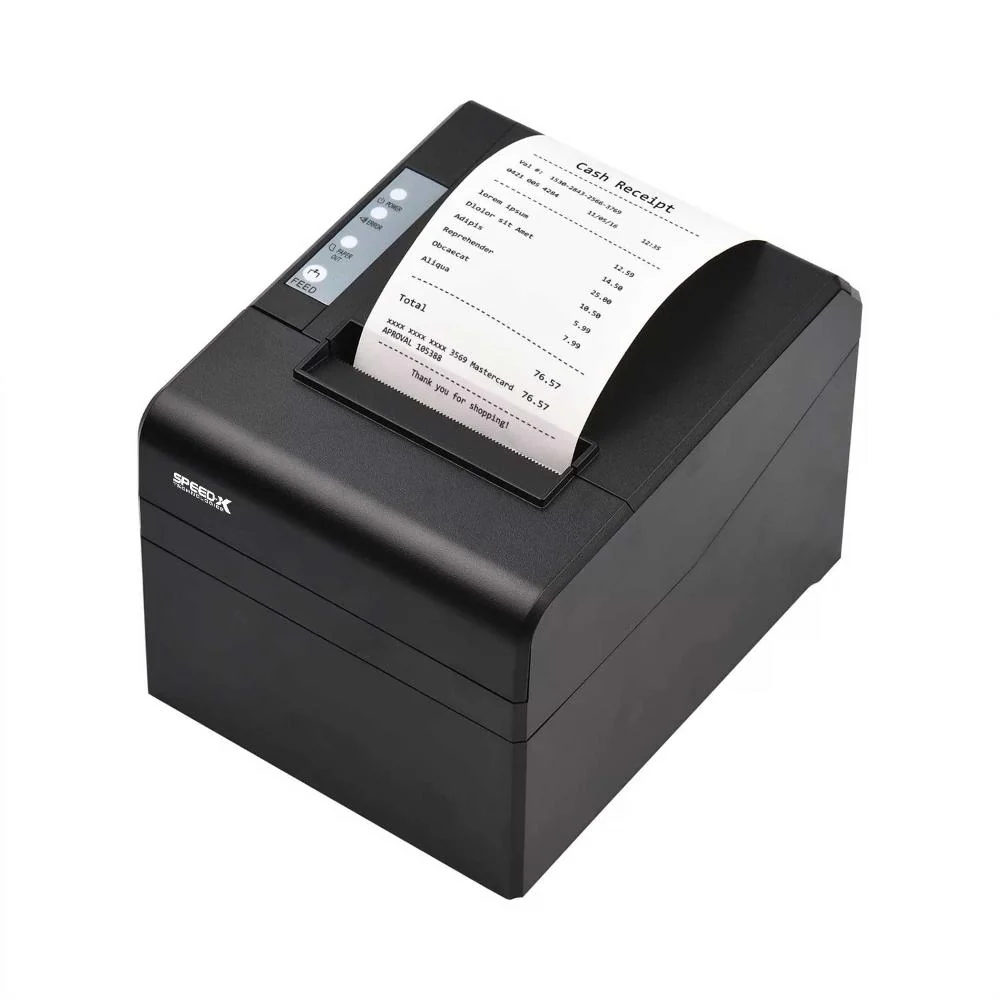
Thermal receipt printer connected to a till PC with cloud POS printing
thermal receipt printer software cloud POS local printing kitchen printer for POS ESC/POS till bridge cash drawer from browser POS Windows Mac print bridge one-time POS printer license

The gap we close

Cloud POS is great — until you need to print at the counter

Web apps run in a browser sandbox. They can’t open a cash drawer, cut paper, or talk to a thermal printer the way a local POS can. Print Bridge is the missing local agent that closes that gap.

The problem

Browser print dialogs slow every sale

Standard browsers can’t print automatically. Staff get a print preview (Ctrl+P), pick a printer, then click Print — every receipt, every time.

How Print Bridge fixes it: Your POS posts to http://127.0.0.1:9090 in the background. Tickets print silently — no preview, no extra clicks.
The problem

Browsers can’t control till hardware

Chrome, Edge, and Safari block web pages from driving printers, cash drawers, and other devices connected to the till PC.

How Print Bridge fixes it: A small desktop app on the till listens locally, turns JSON into printer commands (ESC/POS), and talks to the devices already available on that PC.

The problem

One order, many devices — hard in the browser

A single sale often needs a customer receipt, a kitchen ticket, and a cash drawer open at the same time. Browser printing can’t route that cleanly.

How Print Bridge fixes it: One API call can print the receipt, send kitchen tickets, and pulse the cash drawer — together, from the same checkout.

The problem

Locked-in printer tools don’t fit every POS

Many print helpers need browser extensions or only work inside one vendor’s software.

How Print Bridge fixes it: It’s a simple local HTTP API. Any cloud or web POS that can call 127.0.0.1:9090 can integrate — custom apps, Shopify, WooCommerce, Odoo, and more.

How it works

So the complete process is very simple.

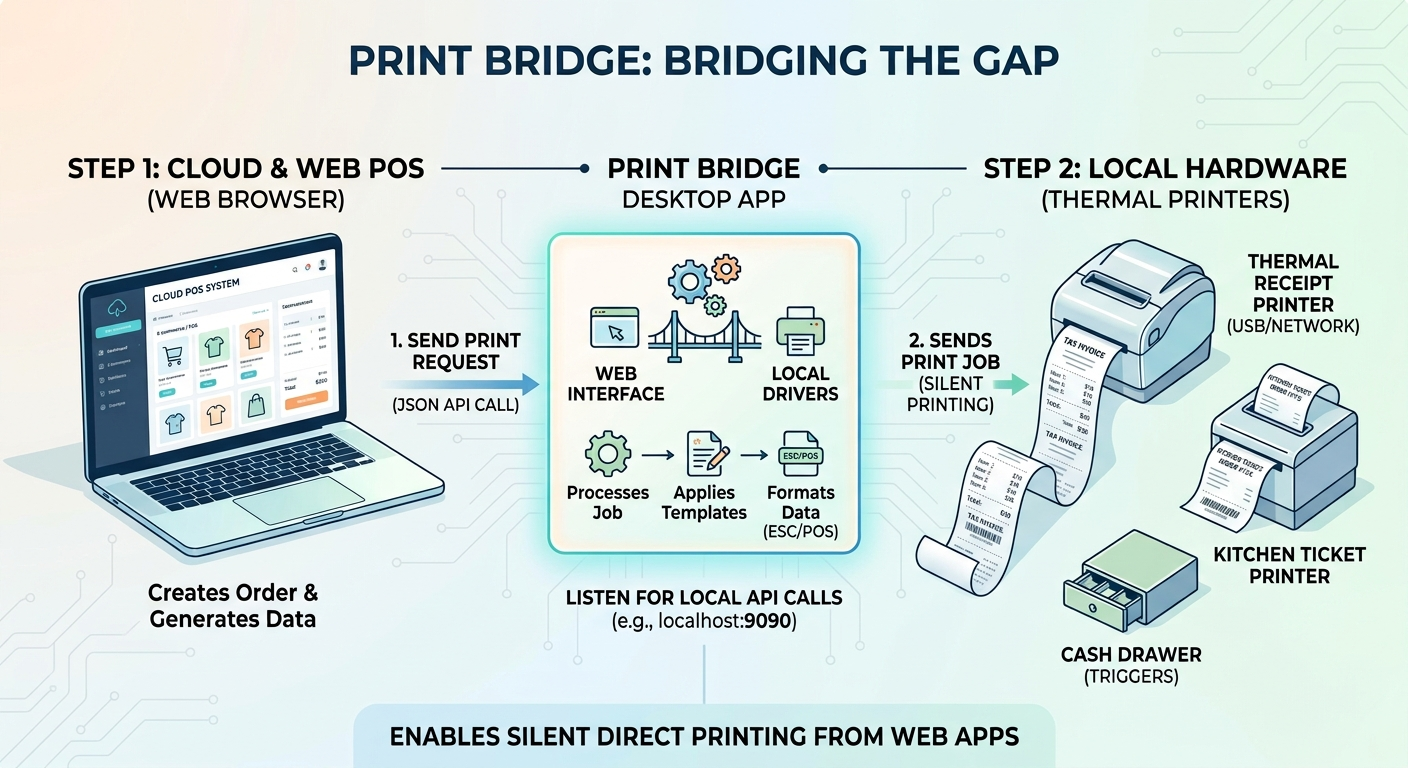
Without Print Bridge, cloud POS printing usually means a browser print preview, picking a printer, then clicking Print — slow compared with a local till. With Print Bridge, checkout can print straight to your receipt or kitchen printer, the same way a local POS does.

Print Bridge bridging the gap: cloud POS sends a print request to the Print Bridge desktop app, which applies templates and silently prints to local thermal printers, kitchen tickets, and cash drawers
No browser print dialog. No preview dance after every sale. Print Bridge uses the printers already available on that till PC — and prints directly after checkout.

1. Buy a license

Pay once for each PC where you want to run Print Bridge.

2. Install on the till

Install the Windows or macOS app, select your printers, and leave Print Bridge running in the background.

3. Connect your POS

Your cloud POS sends print requests to http://127.0.0.1:9090 after checkout.

Who it’s for

Built for shops on cloud POS software

If checkout runs in Chrome or Edge and sales live in the cloud, printing still feels stuck in the browser — preview, pick printer, click Print. Print Bridge runs on the till PC so receipts, kitchen tickets, and cash drawers keep pace with a local POS.

Retail & convenience

Fast thermal receipts and cash drawer kick after every cash or card sale — without fighting browser print dialogs.

Cafés & restaurants

Send kitchen tickets to a second printer on the same till PC (USB or network) with one Single-PC License.

Multi-branch teams

License each till PC. Transfer a key when you replace a machine — no monthly print subscription.

What’s included

Everything the till needs

Receipt and kitchen thermal printing

Receipt + kitchen printing

  • Silent direct printing (no browser dialog)
  • Receipt printer
  • Kitchen printer
  • Cash drawer kick
  • USB, network / LAN, or other local printers
  • ESC/POS + multi-printer routing
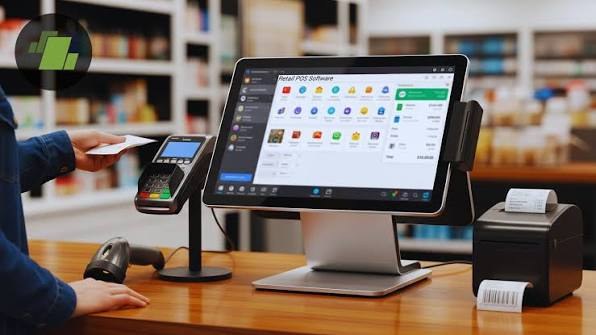
Cloud POS software on a till

Works with your software

  • Any cloud / web POS or ERP
  • Local JSON API on 127.0.0.1:9090
  • Optional API authentication
  • Windows and macOS
  • Auto-start in the background
  • No browser extension required
Custom thermal receipt layouts

Custom receipts

  • HTML/CSS Template Manager
  • Live preview
  • 58mm and 80mm templates
  • Company, invoice, item, POS & payment fields
  • Local QR code generation

Simple pricing

Single-PC License

Single-PC License

$50 one-time

1 Device License — transfer to a new PC anytime

  • 1 active PC
  • Receipt + kitchen printing
  • Cash drawer support
  • USB + network printers
  • Transfer to a new PC anytime
  • No monthly subscription
  • Future updates included

Need another till? Purchase another Single-PC License.

Buy Single-PC License — $50

Already using Zeebora?

Print Bridge is a standalone product for businesses using other cloud POS or ERP systems.

Zeebora SaaS customers already have the desktop connector included and do not need to purchase Print Bridge.

Learn about Zeebora ERP

FAQ

Common questions about Print Bridge

Quick answers for buyers comparing thermal printer software, kitchen printing, and one-time till licenses.

What gap does Print Bridge solve?

Cloud and web POS apps can’t print like a local till. Browsers force a print preview and block direct control of thermal printers and cash drawers. Print Bridge runs on the till PC, accepts a local API call after checkout, and prints silently in the background.

What is Print Bridge?

Print Bridge is a small Windows and macOS app that runs on your till PC. After a sale, your cloud POS sends a JSON print request to localhost. Print Bridge applies your template and sends the job to the receipt printer, kitchen printer, and cash drawer configured on that PC.

Does Print Bridge work with any cloud POS?

Yes. Any web or cloud system that can call http://127.0.0.1:9090 after checkout can integrate — custom POS, Shopify, WooCommerce, Odoo, Laravel, React, and more. It is not limited to Zeebora.

Do I need a separate license for kitchen printing?

No. One Single-PC License covers one computer. Receipt and kitchen printers on that same PC are included. A second till or kitchen PC needs another Single-PC License.

Is there a monthly fee?

No. The Single-PC License is a one-time payment. You can transfer the license to a new PC from the license portal when you replace hardware.

I already use Zeebora SaaS — do I need Print Bridge?

No. Zeebora SaaS workspaces include the free Desktop Connector for POS and kitchen printing. Print Bridge is for shops using another cloud system who want a reliable local print bridge.

Which printers are supported?

ESC/POS thermal printers for receipts and kitchen tickets, plus cash drawer kick. Print Bridge uses printers already available on the till PC. Layouts support 58mm and 80mm paper with an HTML Template Manager.